
Pavo AI Video Generator: Make Your First Clip
Use the Pavo AI video generator on pavoai.net to make a five-second clip from text. Try a sample prompt, choose an aspect ratio, and refine the result.
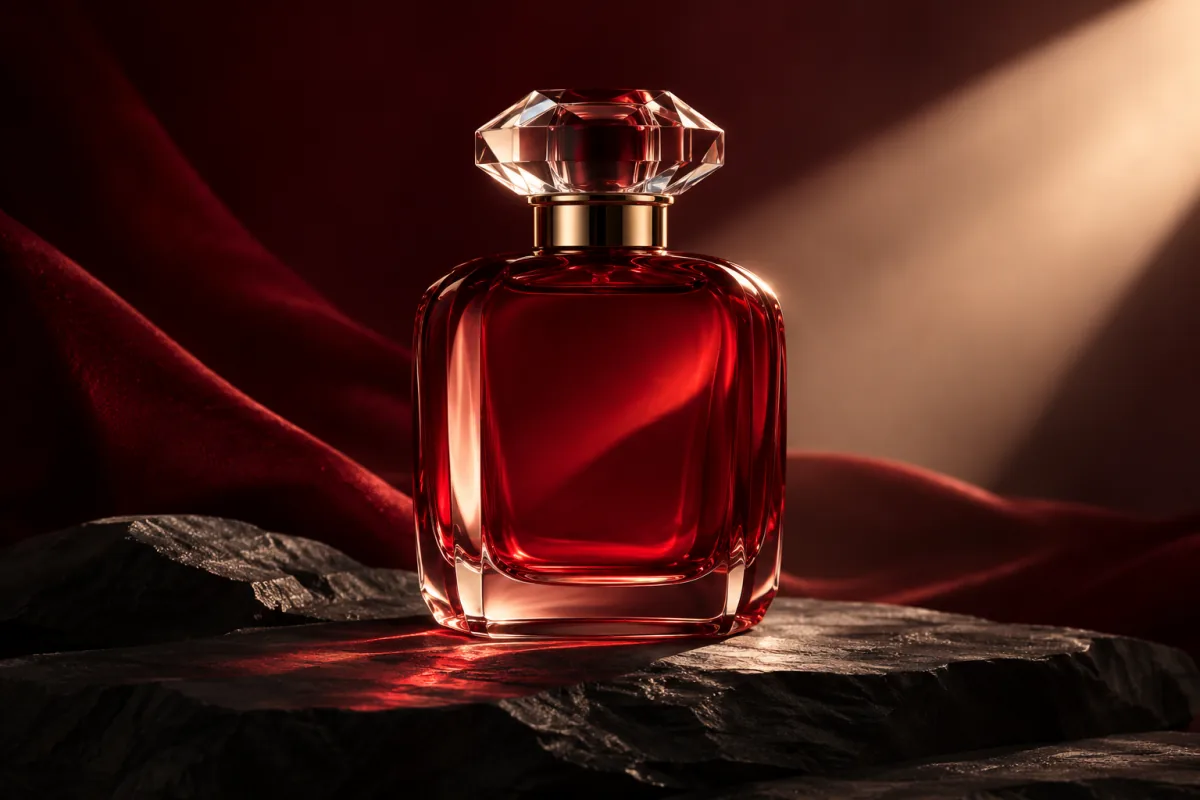
The Pavo AI video generator on pavoai.net makes short videos from text. A five-second product shot is a useful first test: you can see whether the model follows the action, keeps the product recognizable, and frames it for the channel where you want to share it.
Start with one subject and one movement
Decide what should stay still before you describe what moves. For a perfume reveal, keep the bottle and the lighting fixed. Let the camera move closer. This gives you a clear way to judge the clip and a starting point for a second take.
A translucent red perfume bottle stands upright on matte black stone. A slow camera push-in brings the bottle closer without cropping its cap. Warm side light stays steady. The bottle remains still and centered. No text or logos.
For a different subject, keep the same structure: name the object, describe the starting composition, give the camera or subject one action, then state what should remain consistent.
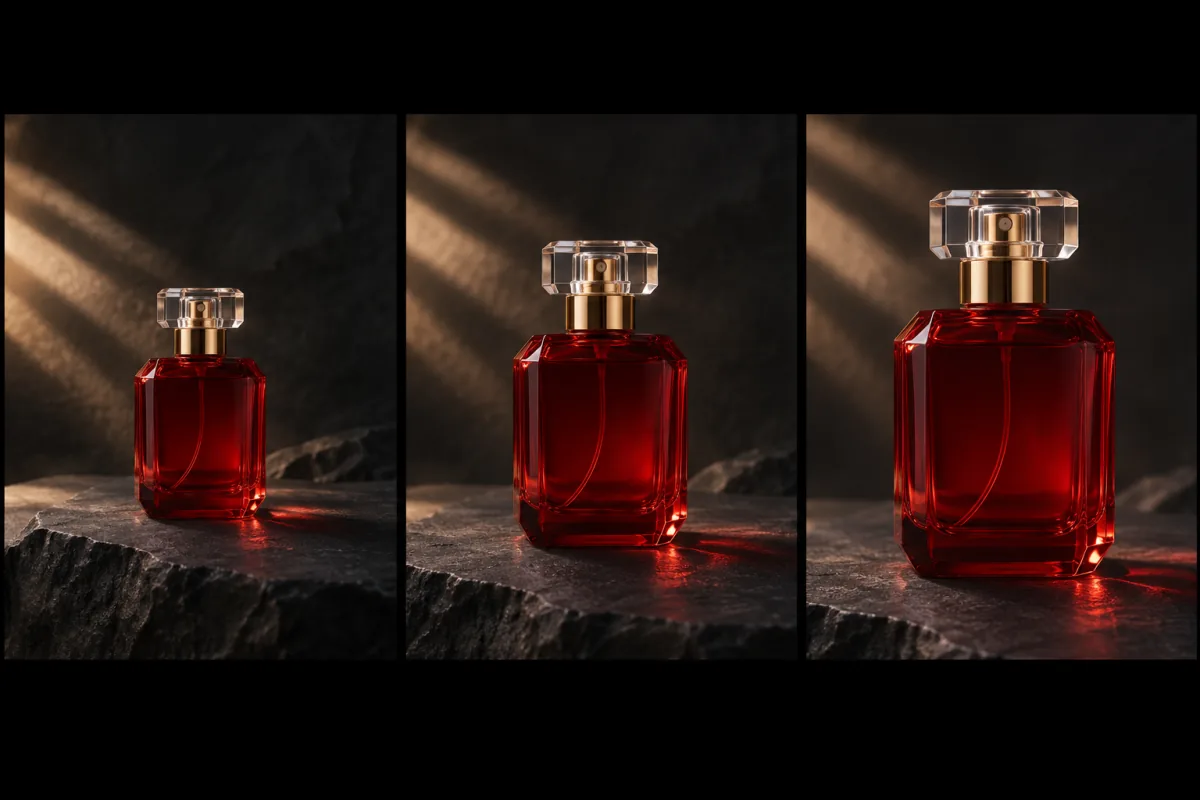
Illustrative storyboard of a slow push-in. The bottle and lighting stay consistent across the planned shot.
Pick the format before generating
- Open Video mode on the Pavo AI homepage and enter your prompt.
- Choose a model from the menu. The site currently lists Seedance 2.0 and Wan 2.7 for five-second text-to-video clips.
- Choose 9:16 for a vertical feed, 16:9 for a landscape embed, or 1:1 for a square placement. For a vertical product shot, ask for room above the cap and below the base.
- Select an available resolution and check the credit cost before generating. A 720p take can help you judge the motion and framing before you try a higher resolution.
Compare two models with the same shot
If you're deciding between Seedance 2.0 and Wan 2.7, give both the same prompt, aspect ratio and resolution. For the perfume shot, compare how each take handles the glass edges, the cap and the speed of the push-in. Note the displayed credit cost for each test. Changing the prompt or resolution at the same time makes it harder to tell what caused the difference.
Try two more text-to-video prompts
Vertical clip for a social feed
A single yellow raincoat hangs from a hook on a deep blue wall. A sleeve moves gently once in a breeze from the right. The camera stays still. Leave space around the coat and keep the hook in frame.
Use 9:16 and check whether the sleeve stays recognizable during the movement. To leave space for a title, add “keep the upper quarter of the frame clear” and apply the title afterward.
Wide opening shot for a short story
Wide shot of an empty train platform at dawn. A folded newspaper slides a little across a bench in the wind. The camera stays at bench height. The platform lights and background remain steady.
Use 16:9. This gives the model a still scene with one event, so you can check the composition and the timing separately. If the paper moves too far, give it a visible stopping point, such as the end of the bench.
Review the clip at its weakest moment
Watch the opening, the middle and the final frame. Check whether the object changes shape, whether the shot moves in the intended direction, and whether any important edge gets cut off. If the cap drifts out of frame, keep the subject and lighting instructions and change only the camera line to “a very slow push-in that keeps the entire bottle visible.”
Save the prompt and settings for the take you keep. If you need more than five seconds, plan a second shot with a different job, such as showing a detail the first shot leaves out.
Pavo AI video generator questions
What should I change if the camera keeps drifting?
Replace any vague camera language such as “dynamic shot” with “fixed camera at eye level.” Leave the action in its own sentence. For a product shot, describe the object that should stay anchored in the center and the edges that must remain visible.
Can I make a longer video from five-second clips?
Plan a wide shot for context, a closer shot for the action, and a detail shot for the ending. Repeat the subject, lighting and setting in each prompt. Compare adjacent clips before combining them in your editor so differences in color or shape are easier to spot.
For a workflow that begins with a visual reference, read the Pavo AI image and video maker guide. If you came here looking for the similarly named browser service, see the pavo-ai.work guide.