
Veo 3.1 Fast
Google's fastest video model on PavoAI: 1080p clips in under 30 seconds.
PavoAI is the all-in-one AI video generator: text to video, image to video and AI video editing in a single studio, running Veo, Kling, Sora 2 and 20+ more models. Start with 25 PavoAI credits — no card required.
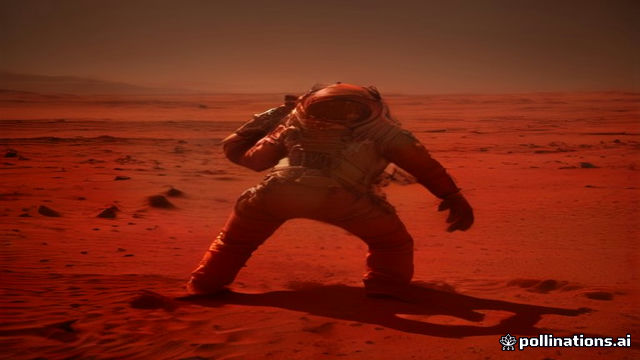

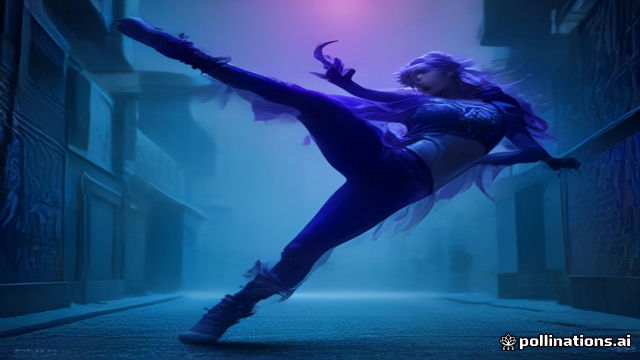
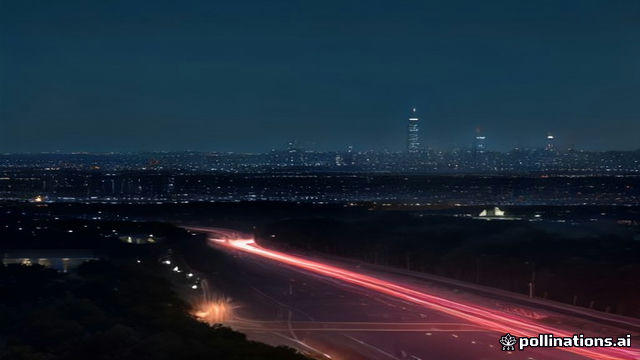
What's new
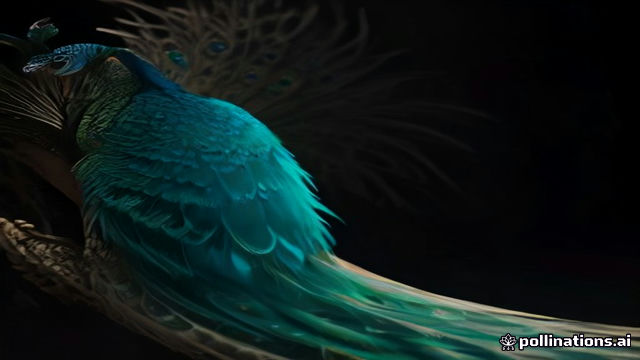
Google's fastest video model on PavoAI: 1080p clips in under 30 seconds.
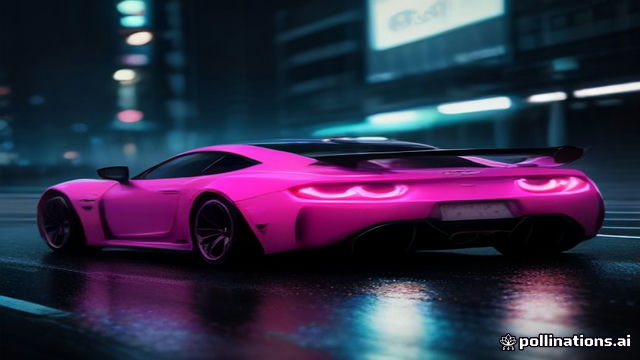
Cinematic camera control and longer takes on PavoAI, up to 2 minutes.
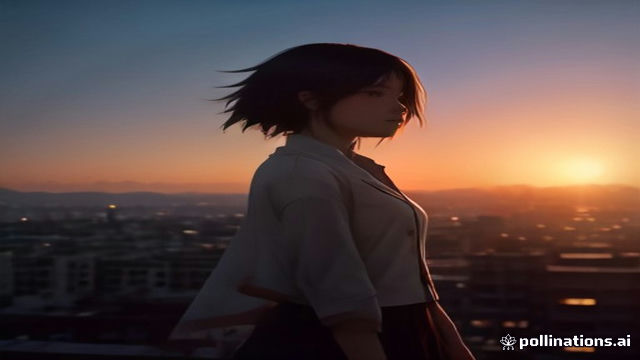
A scene-based PavoAI editor that keeps characters consistent across shots.
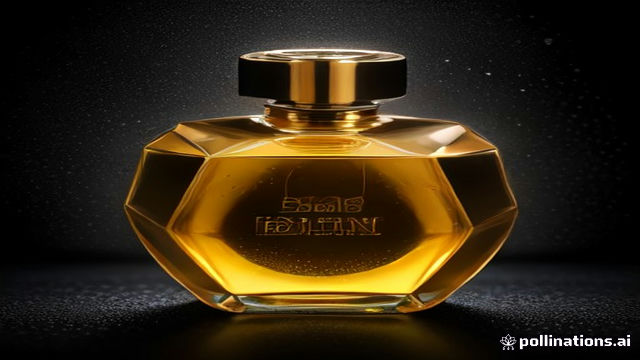
Product photo in, UGC-style PavoAI video ad out, from one prompt.
The proof
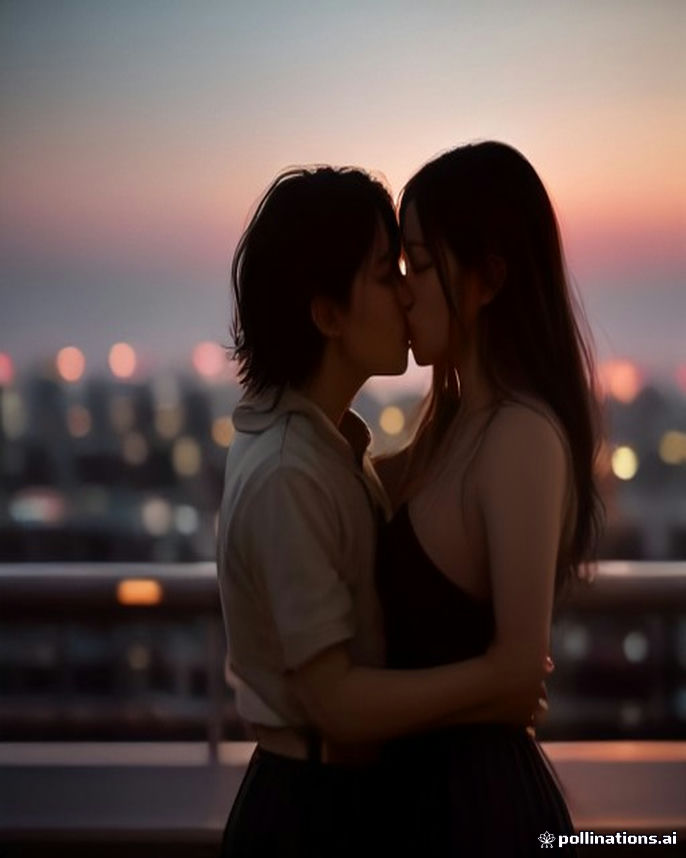
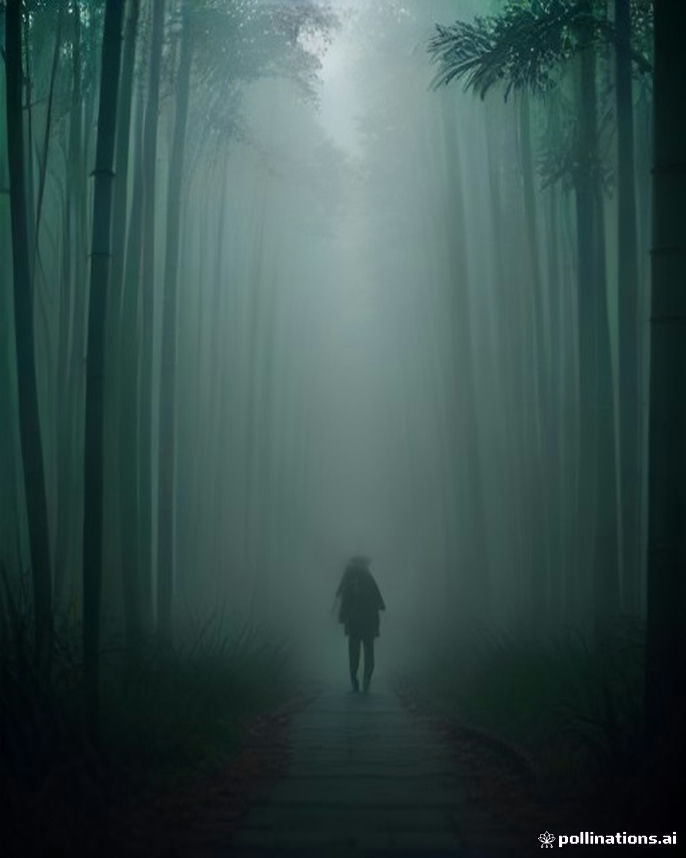
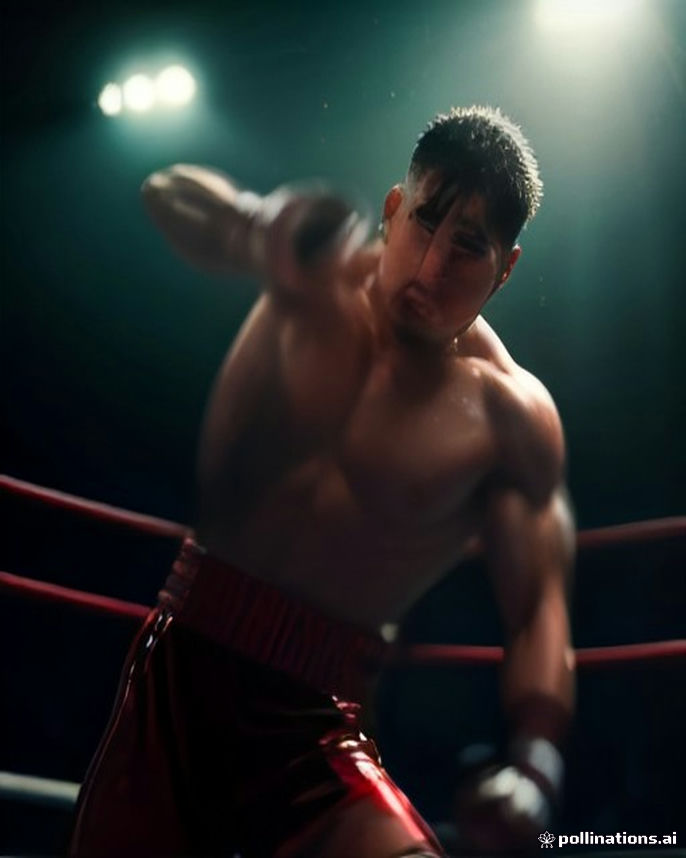
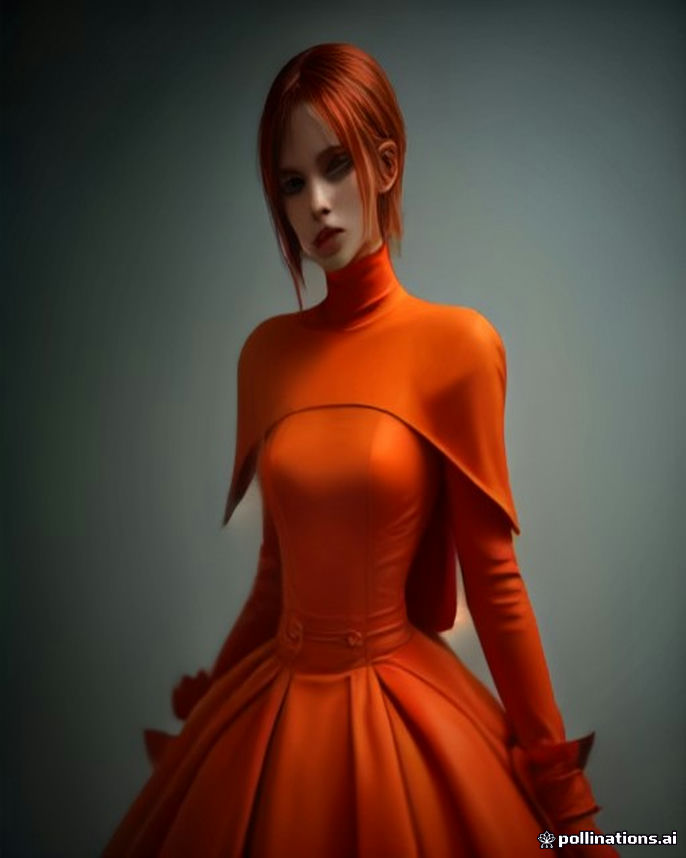
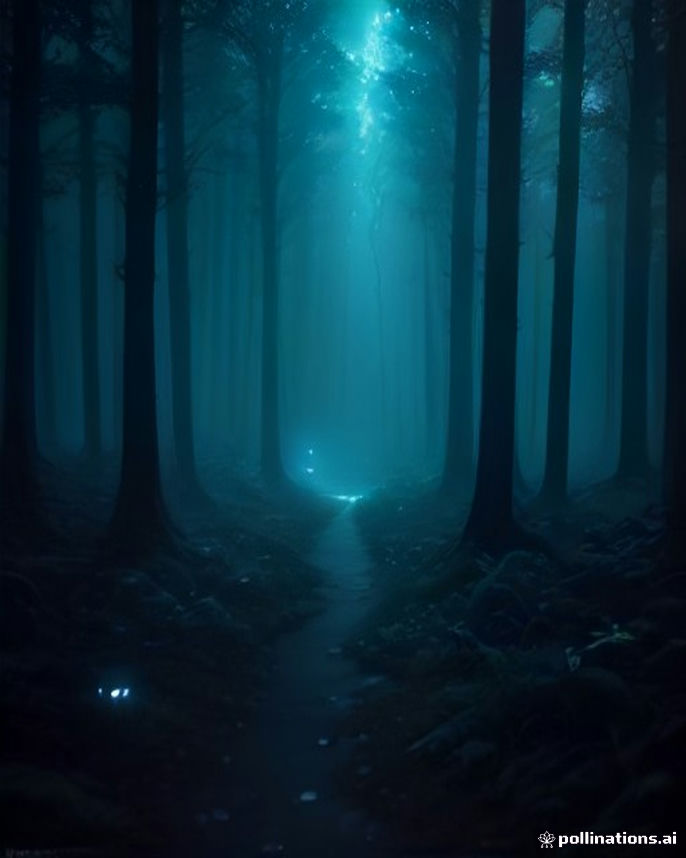
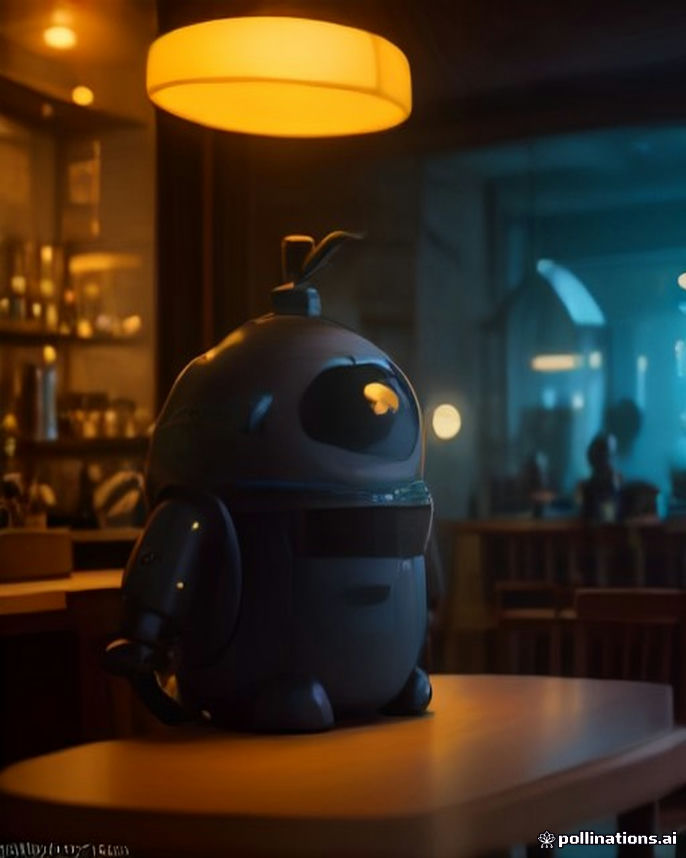
Every clip below was made with PavoAI from a single text to video or image to video prompt. No camera, no crew, no edit.
The math
AI video generators, editors, avatar and music tools, each with its own subscription. PavoAI is the one AI video generator that replaces them all: one PavoAI login, one balance, every model.
The old way
Every one is a separate monthly subscription.
Runway
video
Kling
video
Pika
video
Sora
video
Midjourney
image
HeyGen
avatars
ElevenLabs
voice
Suno
music
CapCut
editing
Topaz
upscaling
The PavoAI way
Everything included in PavoAI. Credits never expire.
From $15 one-time
Use cases
Text to video, image to video, avatars and music: eight PavoAI studios share one credit balance. Pick a lane and start rolling.
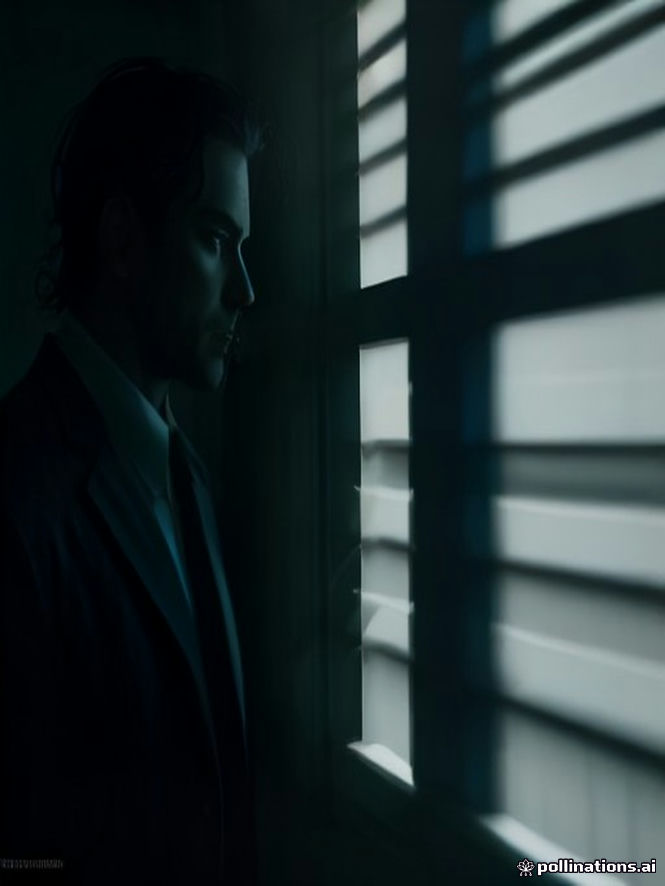
Script a scene in PavoAI, keep your cast consistent.
Write the scene in the PavoAI director, storyboard each shot, then generate with Kling 3.0 for long takes. Lock your cast with Pavo Timeline and cut the takes together in the editor — a finished three-minute short in about half an hour.
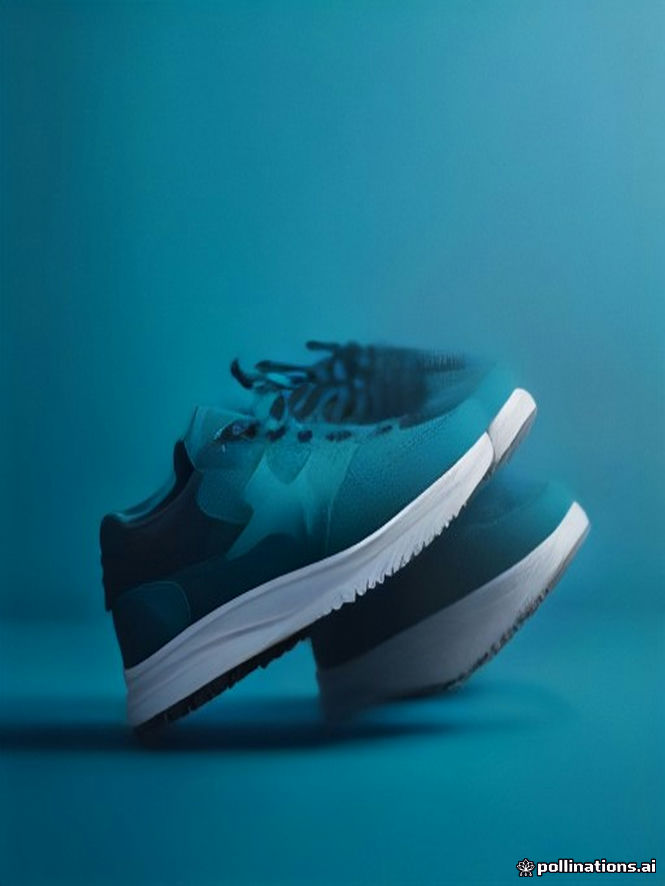
Image to video on PavoAI: one photo in, a studio-grade spin out.
Drop one packshot into the PavoAI Ad Studio and Veo 3.1 renders a studio-grade turntable in about two minutes. Pick your angle presets, generate three takes, then export a vertical and a wide cut for the product page.
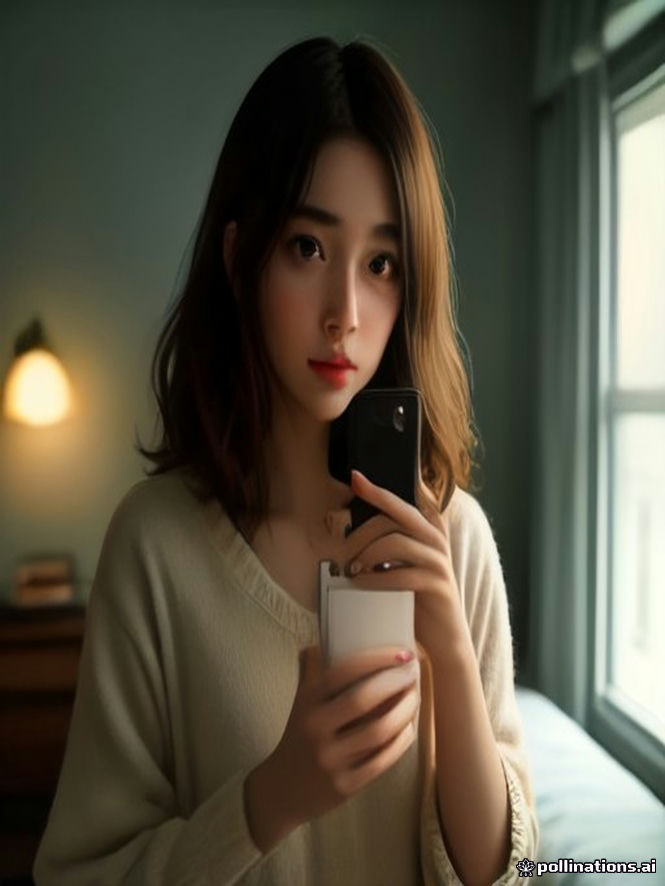
Creator-style PavoAI clips that actually convert.
Upload the product, pick a creator look, and Veo 3.1 shoots a handheld, talking-to-camera hook with synced audio in under two minutes. Batch four variations in PavoAI, keep the one that holds attention, and ship it.
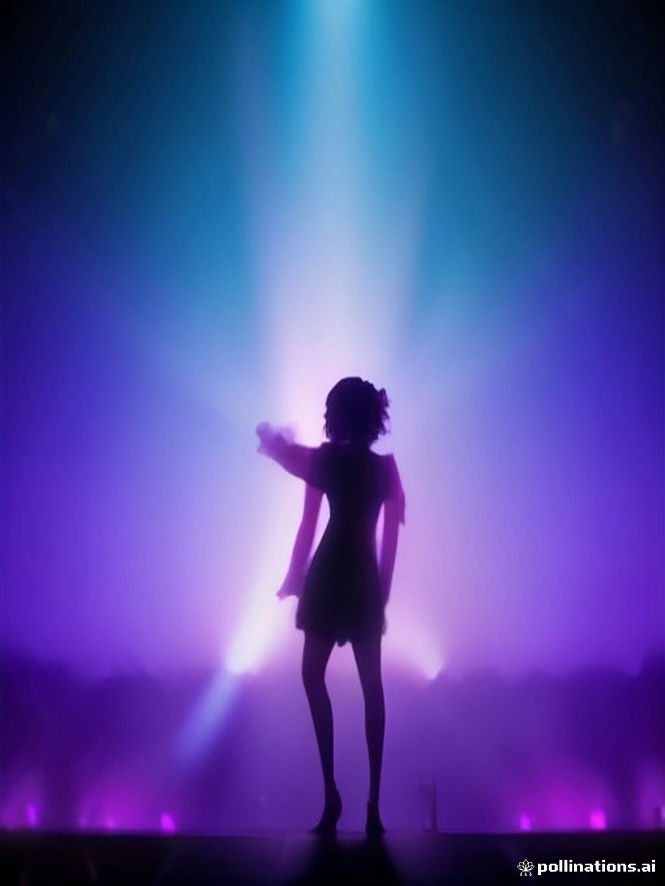
Beat-synced cuts made with PavoAI, any aesthetic.
Generate the track in the Music Studio first, then cut every clip to its beats. Run one text to video prompt per lyric line, let the PavoAI editor snap cuts to the waveform, and upscale the final cut to 4K in an evening.
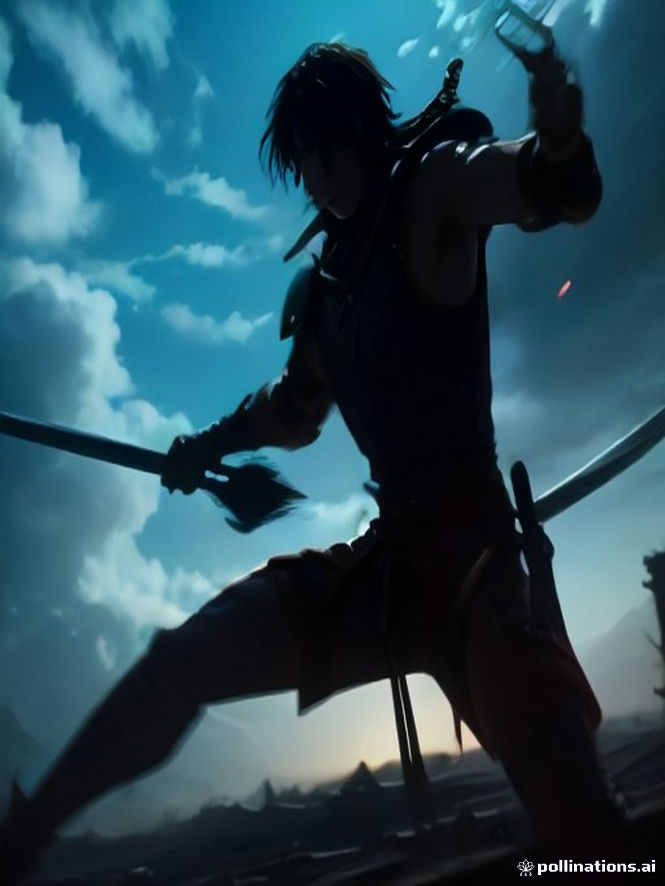
Your stories in authentic anime styles.
Board your scenes in the Director, keep characters on-model with reference locking, and generate with Kling 3.0 or Wan for authentic linework. Most PavoAI anime shots land in ninety seconds; a twelve-shot segment takes an afternoon.
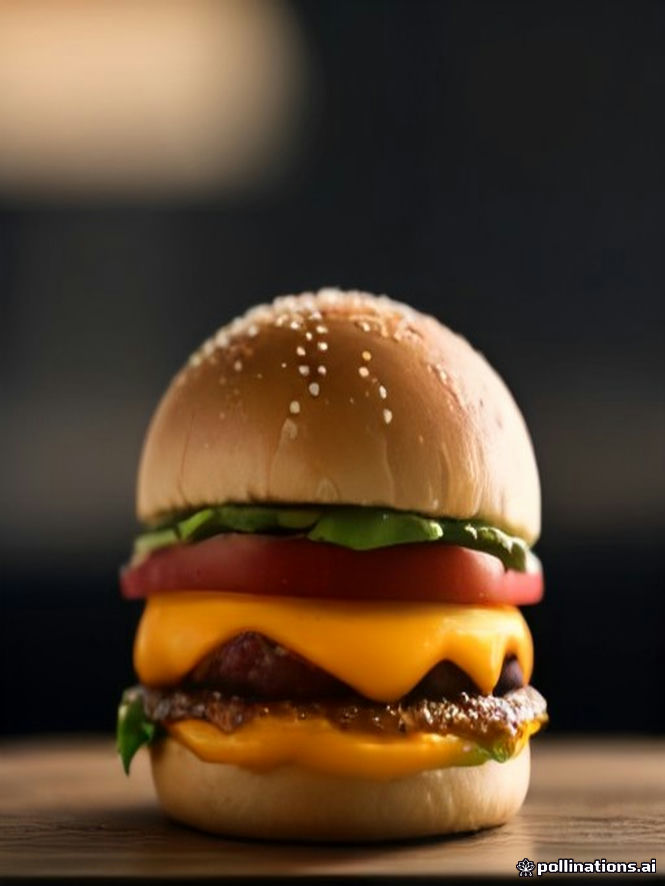
Vertical, punchy, ready to post from PavoAI.
Set the 9:16 preset, batch six hooks with Veo 3.1 Fast, and add auto subtitles in the PavoAI editor before export. Ten minutes from blank prompt to a week of vertical posts, with no watermark on anything you publish.
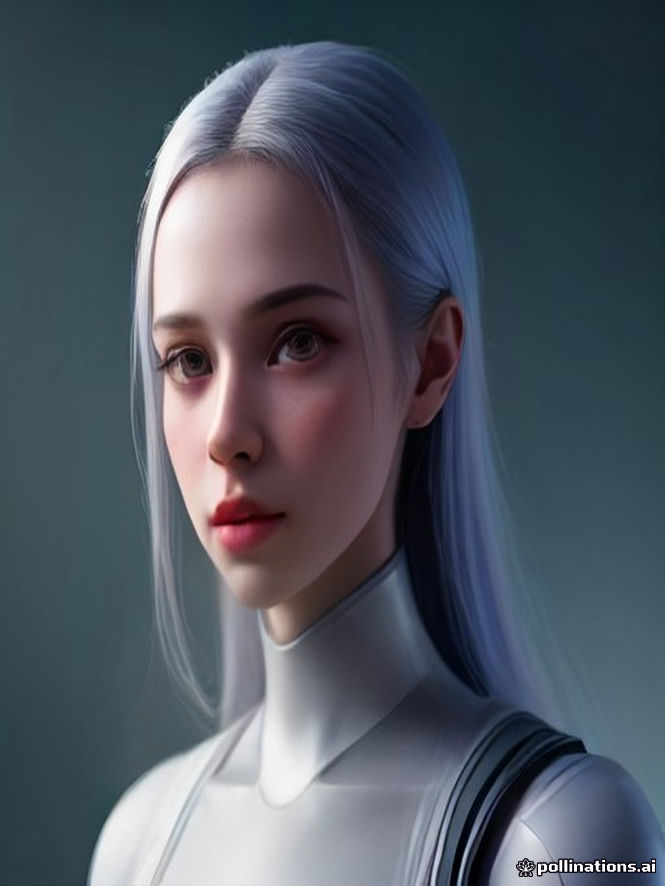
Any script, any language, any face.
Upload one portrait, paste the script, and Avatar Talk renders a talking avatar with natural lip-sync in about three minutes. Clone your own voice or pick from forty others, then dub the same PavoAI clip into thirty languages.
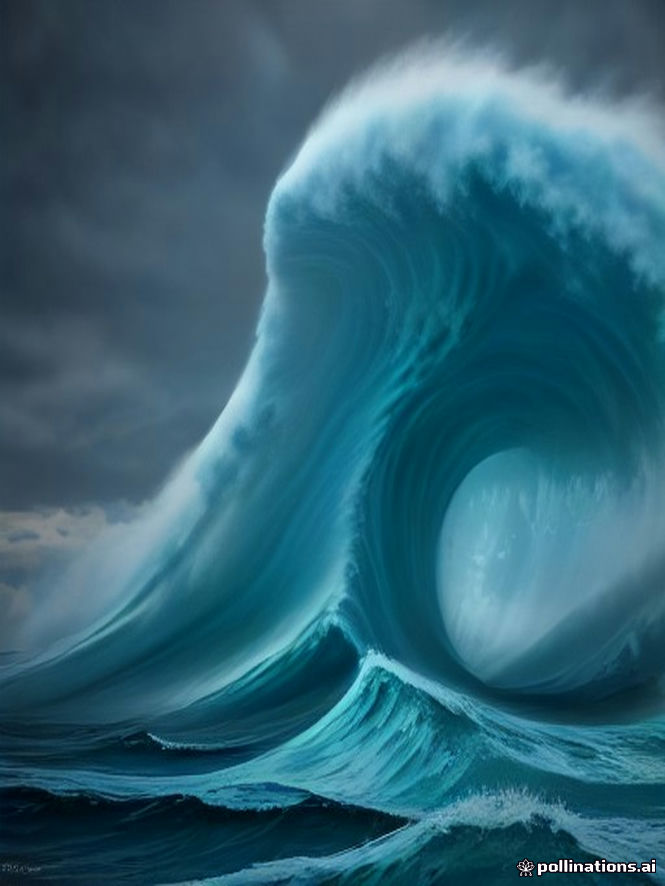
Epic opens for games and launches, made with PavoAI.
Storyboard the beats in the Director, generate each shot with Veo 3.1 for realism or Sora 2 for range, then score it in the Music Studio and grade the cut in the PavoAI editor. A sixty-second trailer takes about half a day end to end.
Most AI video tools do one thing well and stop there. PavoAI is the all-in-one AI video generator that puts the whole pipeline under one roof, so an idea can go from prompt to published clip inside PavoAI without a subscription stack or a render farm.
Type what you want to see and press create. The PavoAI text to video studio runs your prompt on Veo, Kling, Sora and 20+ more models, so you can compare takes, pick the winner and iterate until the shot is right. Script a scene, describe a product spin, or storyboard a whole ad in an afternoon, all inside PavoAI.
Upload a photo and the PavoAI image to video studio animates it: a product turntable from one packshot, a talking avatar from a portrait, a cinematic push-in from a still. Reference locking carries character and product details across shots, which is what makes multi-scene videos usable for real campaigns on PavoAI.
Generation is half the job. The PavoAI video editor trims and arranges takes, restyles footage, upscales to 4K, writes and burns subtitles in 98 languages, dubs voices in 33, and scores the cut with generated music. Exports carry no watermark and are licensed for commercial use on every PavoAI plan.
Teams use PavoAI as their AI video generator for ads, social clips, product pages and pitch videos. Start with 25 starter PavoAI credits and no card; top up once, from $15, when a project needs volume. Credits never expire, so the balance you buy this quarter still ships next quarter.
The studio
Sixteen focused PavoAI studios — everything the PavoAI video generator should do, without the confusing dashboard.
Generate
Text to video and image to video in any style.
Generate
Stills, posters and thumbnails.
Generate
Avatar Talk: a talking avatar from one photo.
Generate
Re-skin any clip in one pass.
How it works
Any PavoAI studio: video, image, avatar or music.
One sentence or a full script. Or upload a photo for image to video. Start in the PavoAI prompt bar at the top of this page.
Generate takes with PavoAI, keep the best, iterate.
Export from PavoAI in 4K, no watermark, ready for any platform.
AI models
studios & tools
video output
credits that expire
Choose the plan that works for you.
Starter
For individuals
Pro
For growing teams
Enterprise
For large organizations
FAQ
Blog
We generated 60 identical prompts on both models. Here is when each one wins.
Read article
Camera, light, motion, mood: the four-part formula behind clips that don't look AI-generated.
Read article
Creator-style ads from one product photo. Copy the prompts and go.
Read article